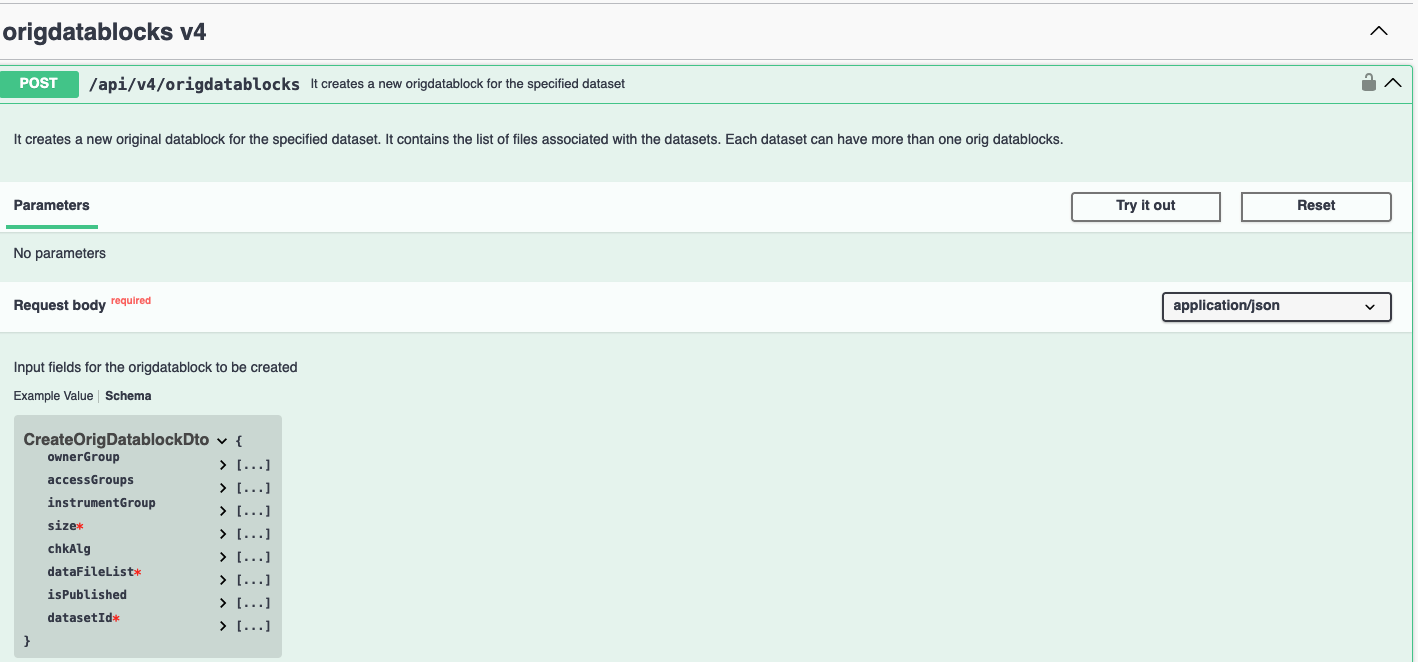
Swagger - explore the Backend API
If SciCat has been set up and runs, one has direct access to the backend through the APIs via the Swagger tool or Explorer interface. Often, you can simply extend the url by /explorer, e.g. https://myscicat.mydomain.de/explorer. You will see a list of all APIs of that instance.
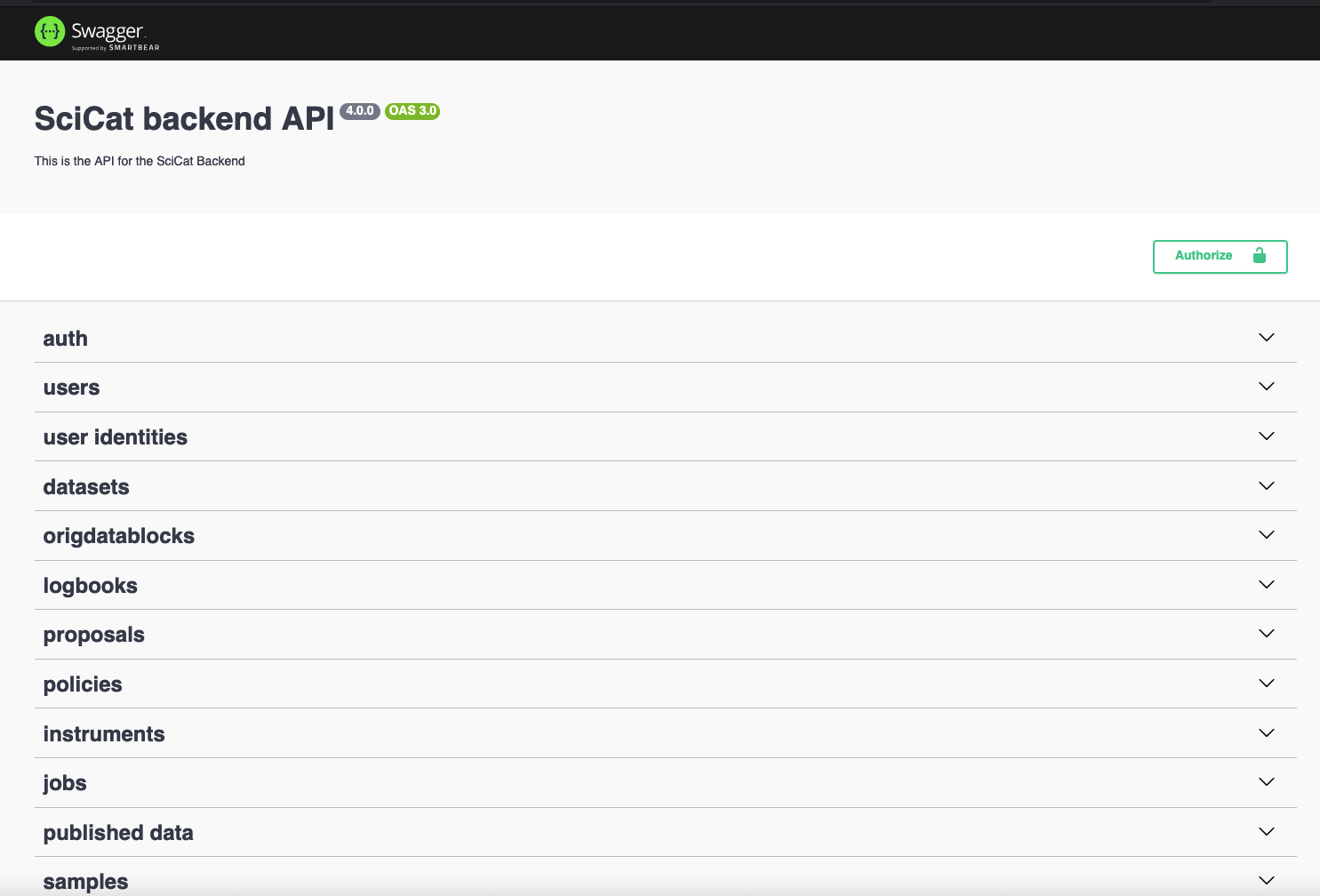
Once authenticated you can start using the endpoints.
Authentication
You need to authenticate twice:
1. Get the SciCat token from the user setting when logged into SciCat via the main GUI. Copy paste it into the field "Authorize" in the explorer on the top right. 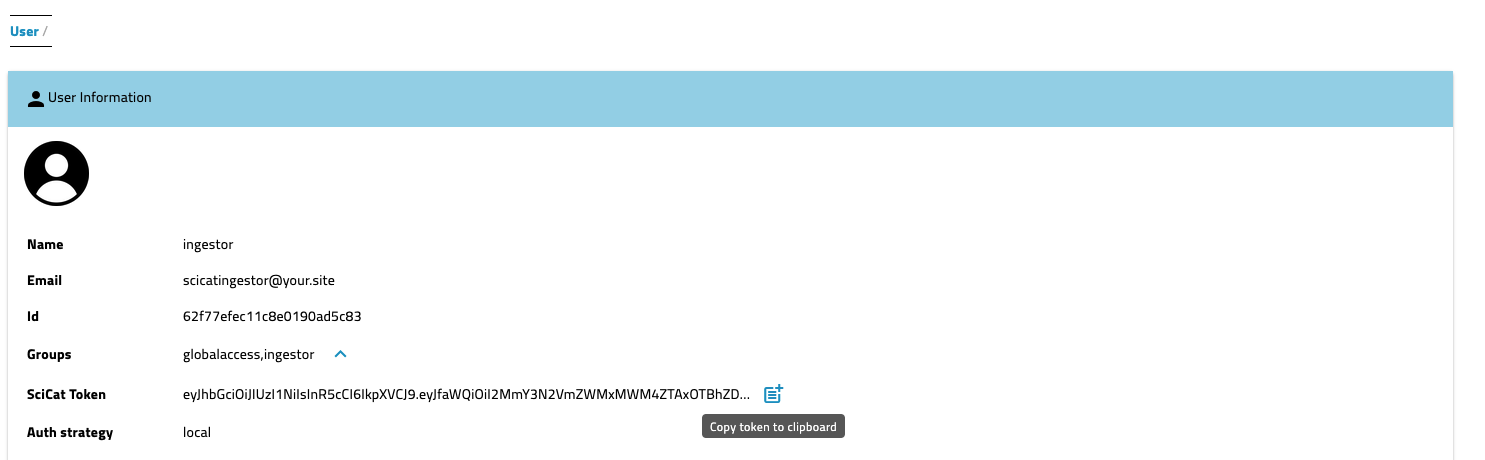
2. Login on the explorer page again with the same credentials using the token. 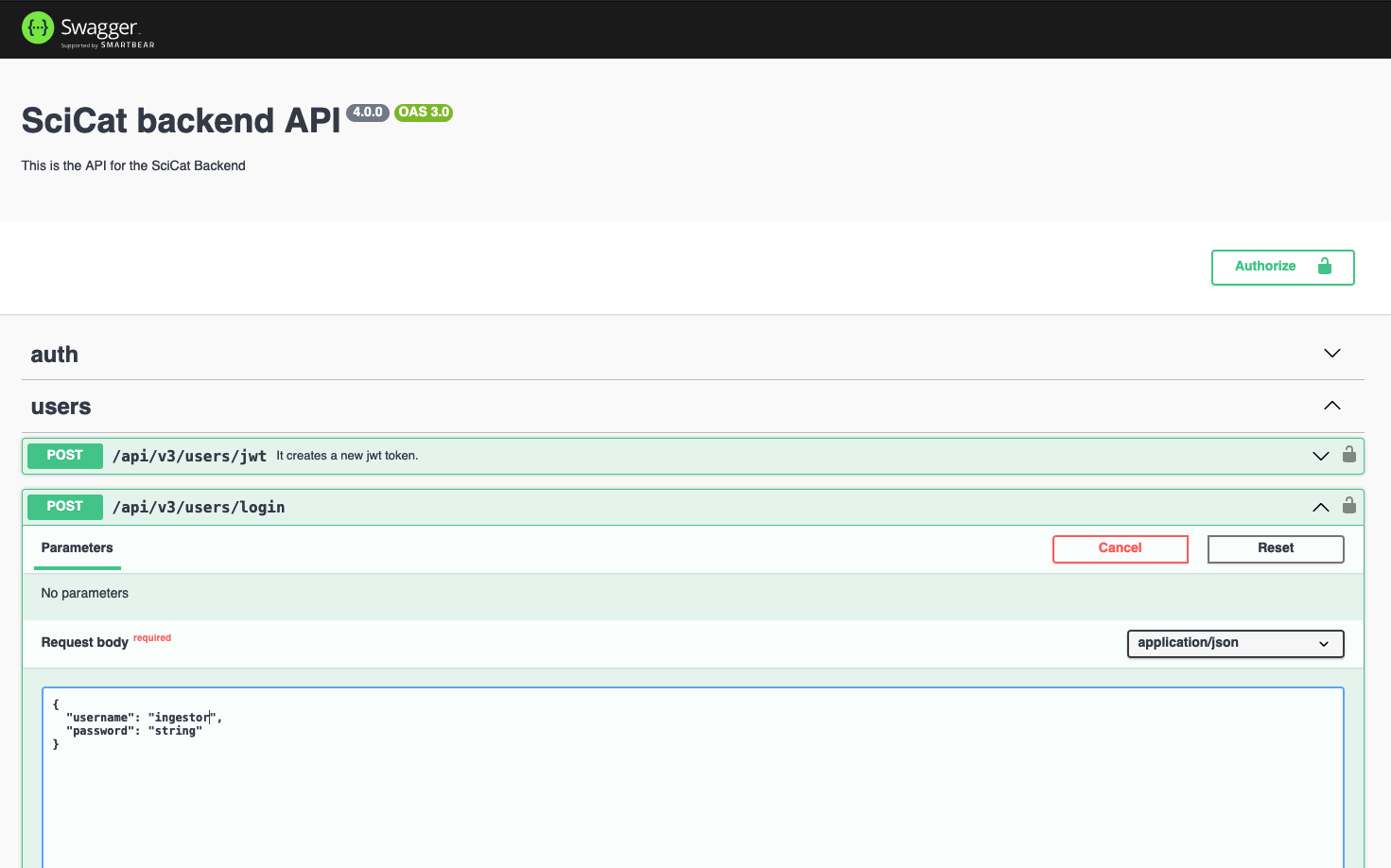
Tips and Tricks
To see which fields are required check the "Schema" link next to the Example Value in the Response body section. They are marked with a red asterisk.